My 2018 Mac mini is starting to show its age.
It has served me well, especially with the i7 processor and 32 GB of RAM, but it is beginning to struggle with heavier workloads and too many browser tabs. The bigger issue, though, is compatibility. Many of the newer AI development tools, including apps like Codex, are moving away from Intel-based Macs and are no longer supported on older Intel chips.
So I decided it was time for an upgrade.
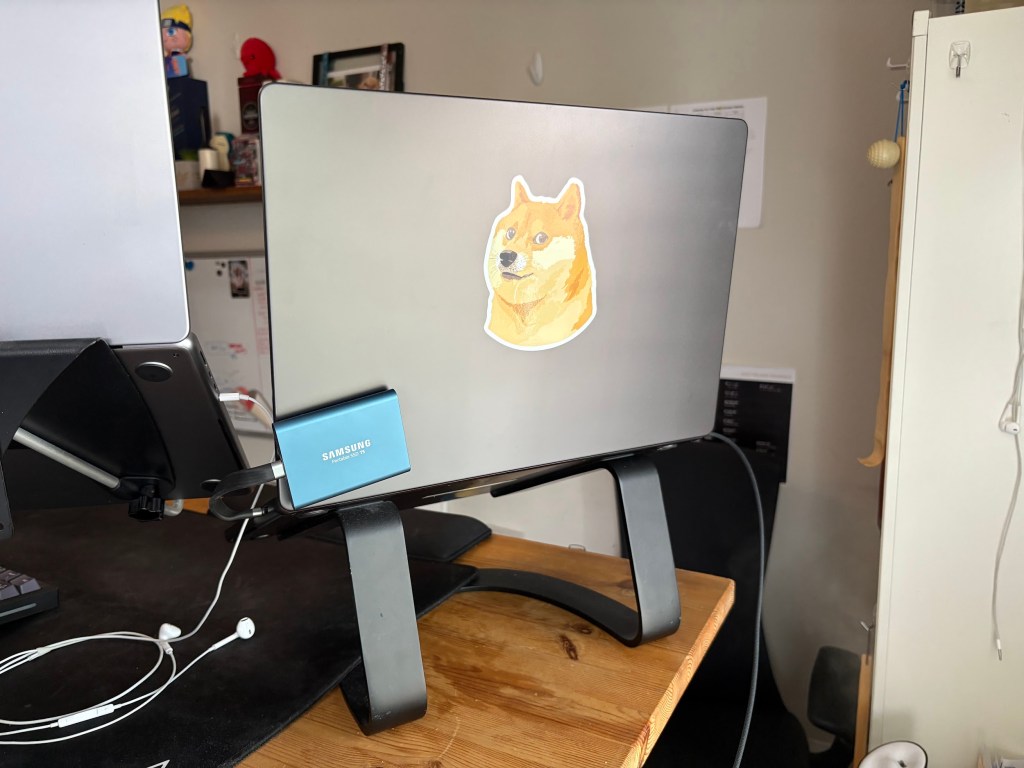
This is the new MacBook Pro with the M5 chip and 64 GB of memory. Apple has been positioning these machines as capable AI workstations, and I’m curious to see how well that claim holds up in real-world use.
I’m especially interested in experimenting with local AI tools such as Ollama, LM Studio, OpenCode, Open WebUI, and AnythingLLM. Based on my research, this machine should be able to run models such as Qwen3 30B, Gemma 31B, and possibly Llama 3.3 70B, depending on quantization, memory requirements, and performance expectations.
Over the next few weeks, I’ll be testing how practical this setup is for local AI development, coding assistance, and running large language models directly on the MacBook Pro.
I’ll post my findings as I go.
